Neal.fun walkthrough hub
Cursor Camp Guide
Cursor Camp is a shared browser campsite where every player appears as a cursor. This guide focuses on completion: where to sweep for seashells, how to unlock badges, how to roast marshmallows cleanly, what to test with mushrooms, and which secrets are worth checking before you leave a session unfinished.
Read guide
Walkthrough
A practical route through campfire, beach, forest, lookout, boat, cave, and shop.
Read guide
Seashells
A 17-slot checklist for tracking collectible sweeps without repeating zones.
Read guide
Badges
Known badge requirements separated by confirmed, community, and rumor status.
Read guide
Tools
Trackers, trainer, and accessory previewer built for completion runs.
Fast player route
Start with the map, then clear each camp activity
Open the official game first, then use this page as your side checklist. Sweep the campfire, stream, beach, forest, field, lodge, lookout, cave, boat, and shop in that order. The route keeps similar checks close together, so you do not waste time returning to the same crowded prop.
For collectibles, focus on edges and partially covered objects. Seashells can blend into sand, grass, tree bases, seating logs, and beach props. If another player is sitting on a pickup, wait a few seconds and move in short strokes around the object instead of dragging straight through the zone.
For badges, switch from searching to testing. Ride the slide, join the soccer field, handle the marshmallow at the fire, inspect the telescope, try the boat props, and test the stew ingredients. Badge triggers usually need a clear action, while seashells reward careful sweeping.
The screenshots below are useful for orientation: they show the indoor lodge style, the field and camp activity layout, and the wider camp map shape. Treat them as visual references while playing, because the live game can be crowded and small details may change.
If nothing reacts after one careful pass, do not keep circling the same prop forever. Mark the zone as checked, move to the next activity, and return later after the crowd shifts. Cursor Camp rewards a patient full-map sweep more than repeated clicks on one rumor.
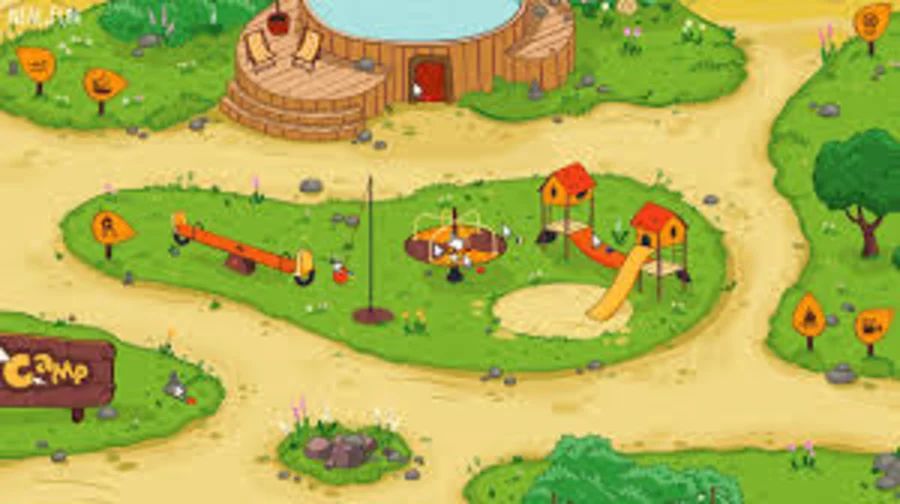
Map first
Use the wider view to choose a clockwise or counterclockwise sweep before you begin chasing individual shells.
Source: user-provided Cursor Camp reference screenshot, used for guide commentary. Remove on rights request.
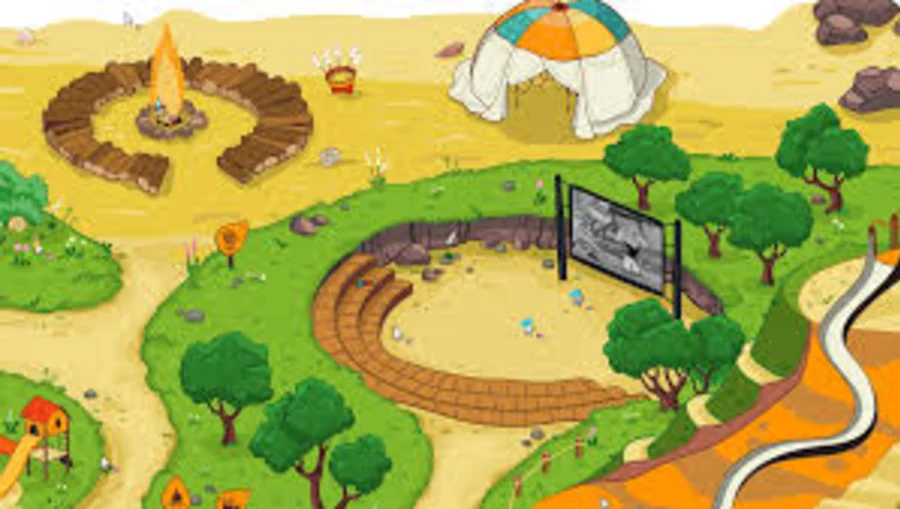
Outdoor activity loop
The field view is a good reminder to check props around activity zones, not only the obvious center of each scene.
Source: user-provided Cursor Camp reference screenshot, used for guide commentary. Remove on rights request.
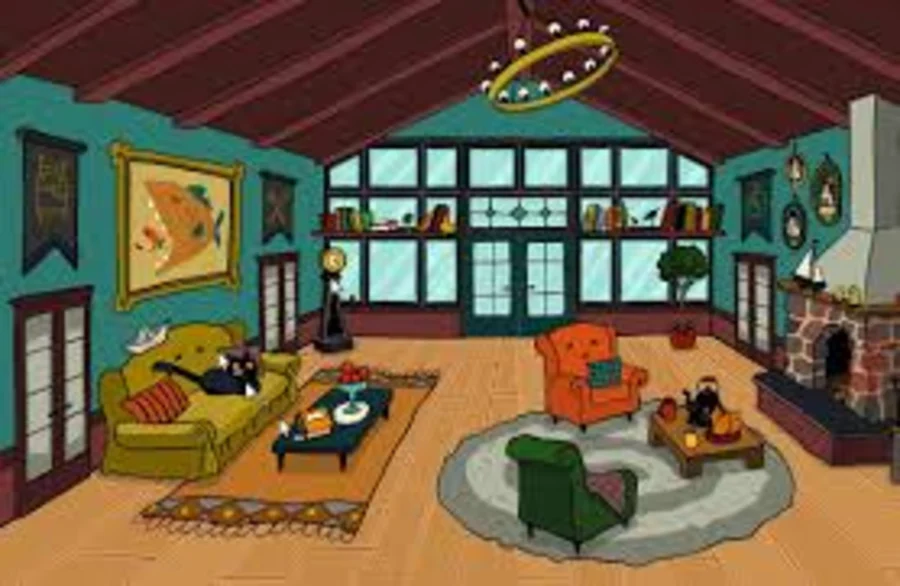
Indoor prop scan
Inside areas reward slow cursor movement around furniture, wall props, and corners where other players overlap.
Source: user-provided Cursor Camp reference screenshot, used for guide commentary. Remove on rights request.